See the result. Know its limits.
H3 generates picture and stereo audio jointly, in a single pass — dialogue, effects and ambience are modeled with the image rather than dubbed on afterwards. Below is what we actually measured running it: which scheduler wins, rendering-only cost for a 5-second clip, and the one requirement that silently halves performance if you miss it.
- Peak VRAM
- 39.0 GB measured
- Speed
- 8.2 s/it Blackwell · 20.9 s/it Ada
- Historical GPU time · 5s clip
- $0.13–0.14 · startup excluded
- Longest verified
- 362 frames · 15.08 sec
Deploy to ready, including the full 42.5 GB weight download, was 2m31s on a Blackwell card and 6m59s on an RTX 6000 Ada. Two runs — treat that as a range, not a distribution.
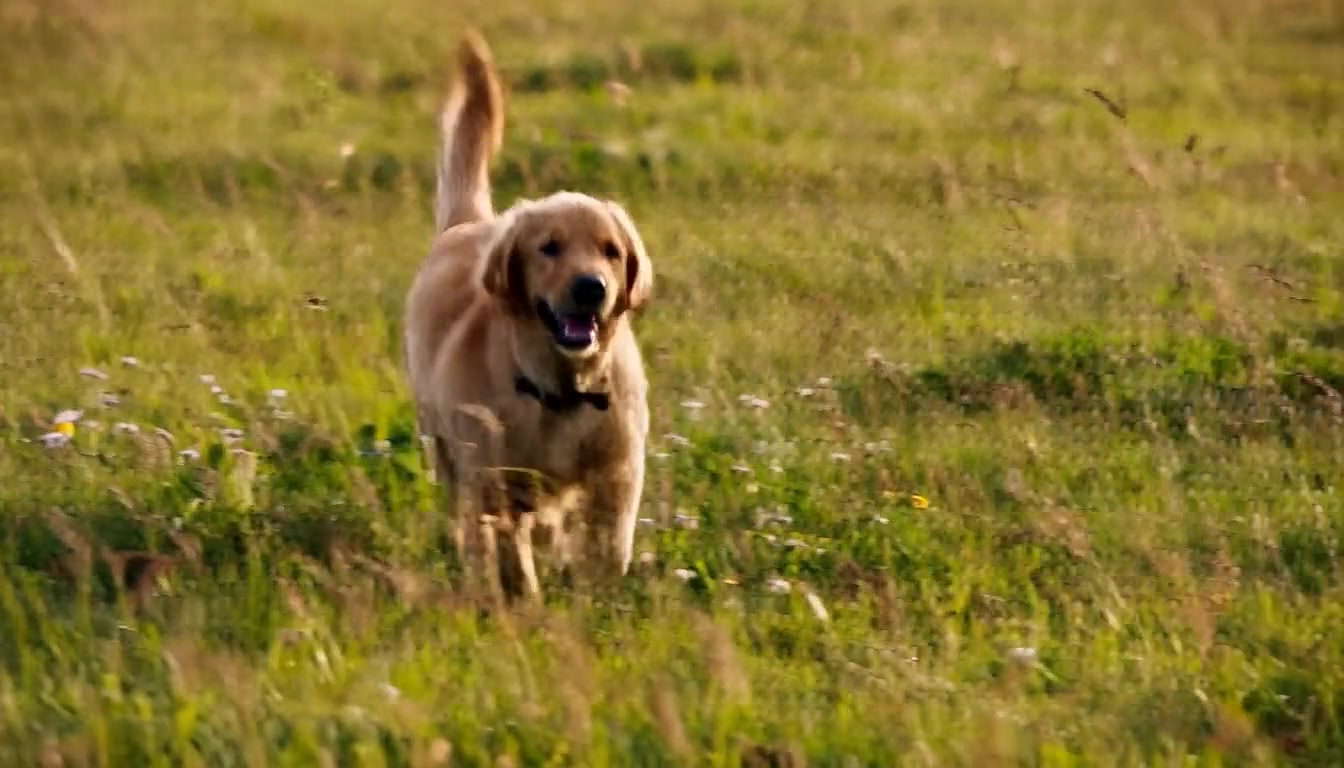
Disclosure: this clip and the two below were rendered with the beta scheduler. They were queued before the comparison further down had finished, and beta is soft rather than broken, so the capability they demonstrate still holds — but they are not showing you the setting we ended up recommending. Only the three comparison stills below were rendered at their labelled scheduler.
The scheduler advice going around is wrong for text-to-video
The widely repeated guidance is that beta and normal outperform simple. That comes from ComfyUI's reference-to-video template, where it is qualified “for reference-heavy prompts.” It does not transfer.
Below is frame 60 from three runs. Same prompt, same seed, same step count. The scheduler is the only thing that changed.
These are 1:1 detail crops, not shrunken full frames — scaled down to fit a column, all three look identical and the comparison proves nothing. Same crop region on every one (crop=440:440:450:180), and each links to its uncropped frame so you can check the region was not chosen to flatter the result.


Do not rank these by file size. normal produced the largest file — 7.7 MB against 2.4 MB for simple — because h264 was spending bits encoding the artifact noise. Sorting your outputs by bitrate picks the worst one.
The requirement that will cost you an afternoon
H3 needs CUDA 13 or higher. Not a particular GPU, and not a particular PyTorch version.
Below CUDA 13, ComfyUI disables its entire optimized quantization backend — and it does so with a single logged warning. H3 still runs. It is just slow, and nothing tells you why. On Blackwell cards it is worse: the code takes a native path that hits allocation failures and inflated VRAM use, which is what ComfyUI PR #15067 exists to fix. That pull request was still open as of 2026-08-04.
You also need ComfyUI v0.30.0 or newer. H3 support landed in PR #15224, which changes core files — it cannot be backported onto an older install.
Do not pin v0.30.0 for audio work. Everything on this page was measured on b1693ecb (v0.30.0). On 2026-08-06 ComfyUI merged PR #15243, “Fix sampler issues for audio with minimax, support more samplers.” In v0.30.0, MiniMaxH3SigmaShift calls set_parameters(shift=shift_video) — the audio shift is accepted as an input but never reaches the sampling schedule, so the audio latent denoises on the video's schedule. The fix adds ModelSamplingAV and passes audio_shift through. Our audio results below are real, but they are a pre-fix baseline. If you are chasing garbled audio at low step counts, this is very likely your cause.
One more trap that costs a render rather than an afternoon: clip length must land on the model's 17k+5 grid — 5, 22, 39 … 124, 141 … 362. Pass anything else and the node quietly snaps up, so you get a different clip length than you asked for.
About “2K”
H3 is called a 2K model nearly everywhere, including ComfyUI's own announcement. The weights you can download are not that, and MiniMax says so themselves.
From the official model card: “H3-Base: Generates audio and video based on the H3-Context-IR output, producing results at 768p resolution.” Its resolution row reads “The shorter side is set to 768 pixels by default. 2K generation can be achieved with H3-Regenerate-2K.”
And on that module: “Due to the complexity of the system, this module is not yet open-sourced. We will release it once it is ready. We provide an API for validating the official results.” So 2K is a second, closed pass — a hosted regeneration that feeds the 768p result and the original context back through the model. It is not a super-resolution filter you can bolt on, and it is not in the open release.
Nothing stops you asking for more locally: the width and height inputs on the text-to-video node are unclamped (min=32, max=MAX_RESOLUTION, step=32) and pass straight to the latent. We tried it — a 1920×1088 request returned a valid 1920×1088 file with audio.
That proves ComfyUI accepts the dimensions. It does not prove documented or quality-validated local 2K, and it is outside the 768p workflow MiniMax documents. Our 2.09 MP clip has no same-prompt, same-seed, same-scheduler twin at 1344×768, so we cannot tell you whether it holds up — only that it ran.
An earlier version of this page called 1920×1088 “the top of the official resolution table.” There is such a table, and it says the short side is 768 by default with 2K requiring the closed module — so the claim was wrong twice over. Corrected 2026-08-07.
One clear strength, one clear weakness
Both clips are shown, because a showcase that only shows the good case is an advertisement.
What we measured
Every line traces to a run, not to a datasheet.
- Picture and stereo audio are generated together in one pass. Measured loudness tracks the scene: motorcycle −14.1 dB, butchery −38.3 dB, ambient birdsong −41.7 dB. Measured on commit b1693ecb — see the note below, because the audio sampling path changed upstream shortly afterwards.
- Coherence holds to the top of the trained range. 362 frames — 15.08 seconds — with no drift at the final frame, and no stitching or interpolation.
- On text-to-video at fixed seed, the simple scheduler beat both beta and normal. All three took about the same time, so the better choice is free.
- Text rendering is a genuine strength: legible signage with correct spelling.
- A 1920×1088 (2.09 MP) request runs and returns valid 1920×1088 output with audio — the t2v inputs are unclamped. But see the resolution note below before treating that as "2K support".
- Speech energy sits where speech lives — the dialogue probe held −1.8 dB when filtered to the 300–3400 Hz voice band, against −6.2 dB for engine noise.
What we did not
Stated so you know where the evidence stops.
- Audio intelligibility and lip-sync have not been judged by a human listener. The measurement above shows energy in the speech band, which is not the same as understandable speech.
- Image-to-video and reference-to-video were not tested at all. Everything here is text-to-video.
- The scheduler result was measured on text-to-video only. Do not assume it carries to reference-to-video, where the opposite advice originates.
- Steps above 20 were never tried, and we never varied MiniMaxH3SigmaShift from its defaults — which are shift_video 12.0 and shift_audio 3.0, set in the node itself. We have no measurement of what changing them does.
- The capability clips on this page were rendered at the beta scheduler, not the simple one we recommend — they were queued before the comparison finished. No clip here shows the recommended setting at full length.
- Whether 1920×1088 is as good as the documented 768p workflow. Our 2.09 MP clip has no same-prompt, same-seed, same-scheduler twin at 1344×768, so there is no controlled comparison — only that it ran.
- A100-class cards are untested. ComfyUI issue #14824 reports int8 ConvRot running at a third to a half of FP8 speed there, so prefer the fp8 tier.
- Hands are weak. Forms merge and extra finger-like protrusions appear even when the prompt explicitly asks for separated, articulated fingers.
Skip the setup
H3 peaks at 39 GB of VRAM, so it does not fit a consumer card without swapping, and the CUDA 13 requirement rules out most existing installs until you rebuild the environment. Our deployment ships a CUDA 13 base, a pinned ComfyUI, the weight tiers, and a build-time check that the H3 nodes actually exist at the pinned commit.
You pay for GPU time on the underlying provider plus our margin. Generating one 5-second clip cost about $0.13–0.14 in GPU time on either card we tested on August 6, 2026. This excludes cold startup, idle time and other whole-session costs. Review the current quote before starting; see the cost guide for whole-run examples.
Powered by MiniMax H3. Weights from the Comfy-Org/MiniMax-H3 repository, pinned to revision dcc9da705e5fb29f1bc9e1aea74bd29ccbf6a146. Use is governed by the MiniMax H3 Community License, which carries terms covering both the weights and generated outputs, including a territorial restriction — read it before any commercial use rather than relying on this summary. H3 support in ComfyUI comes from PR #15224, first released in v0.30.0.
All measurements were taken on 2026-08-06 using ComfyUI commit b1693ecb at the 42.5 GB efficient tier. Model availability, provider pricing and upstream code all move — re-check anything you are about to depend on.